Native gRPC and gRPC-Web
Run unary and server-streaming methods with request bodies, metadata, response history, trailers, and assertions.
target: localhost:50051
method: demo.v1.GreeterService/SayHello
transport: native-grpc
Test gRPC, gRPC-Web, WebSocket, and REST APIs from one workspace. Run local mocks, inspect streaming responses, and use the same project from the desktop app or CLI.
layang run ./workspace --request "Get Track" --env dev
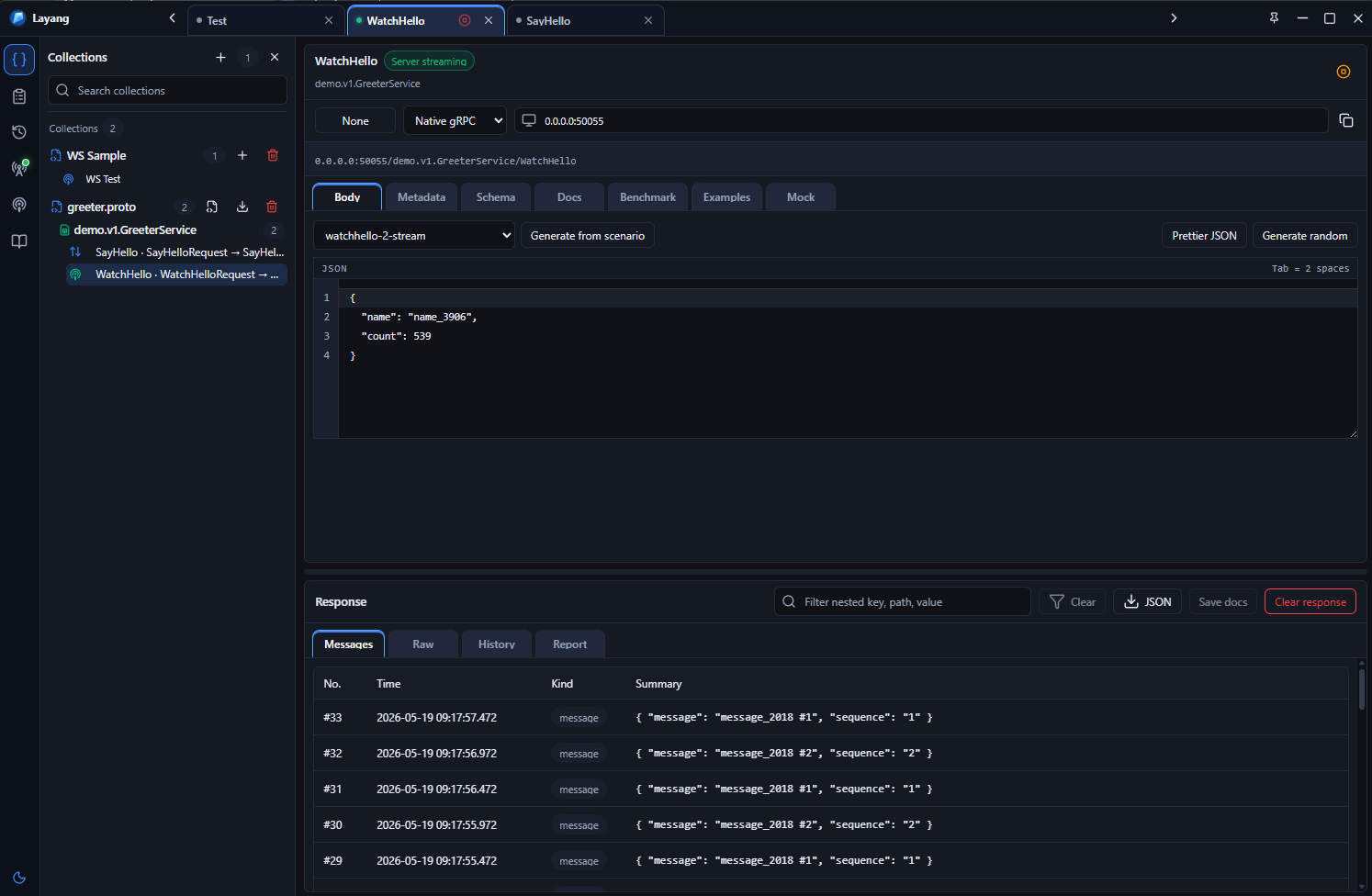
Import a Proto, select a method, send a request, inspect the response, and save the work without moving between separate tools.
Run unary and server-streaming methods with request bodies, metadata, response history, trailers, and assertions.
target: localhost:50051 method: demo.v1.GreeterService/SayHello transport: native-grpc
Build requests with params, headers, auth, body modes, examples, and local mock scenarios.
Open ws/wss connections, send payloads, inspect live events, and use local mock responses.
Import `.proto` files and browse services, methods, request messages, response messages, and revisions.
Inspect latest JSON, message history, tables, search results, and streaming payloads without losing the current scroll position.
Run latency samples from saved requests and export results for local checks or CI.
REST, WebSocket, native gRPC, and gRPC-Web requests share the same workspace, environments, documentation, and project files.
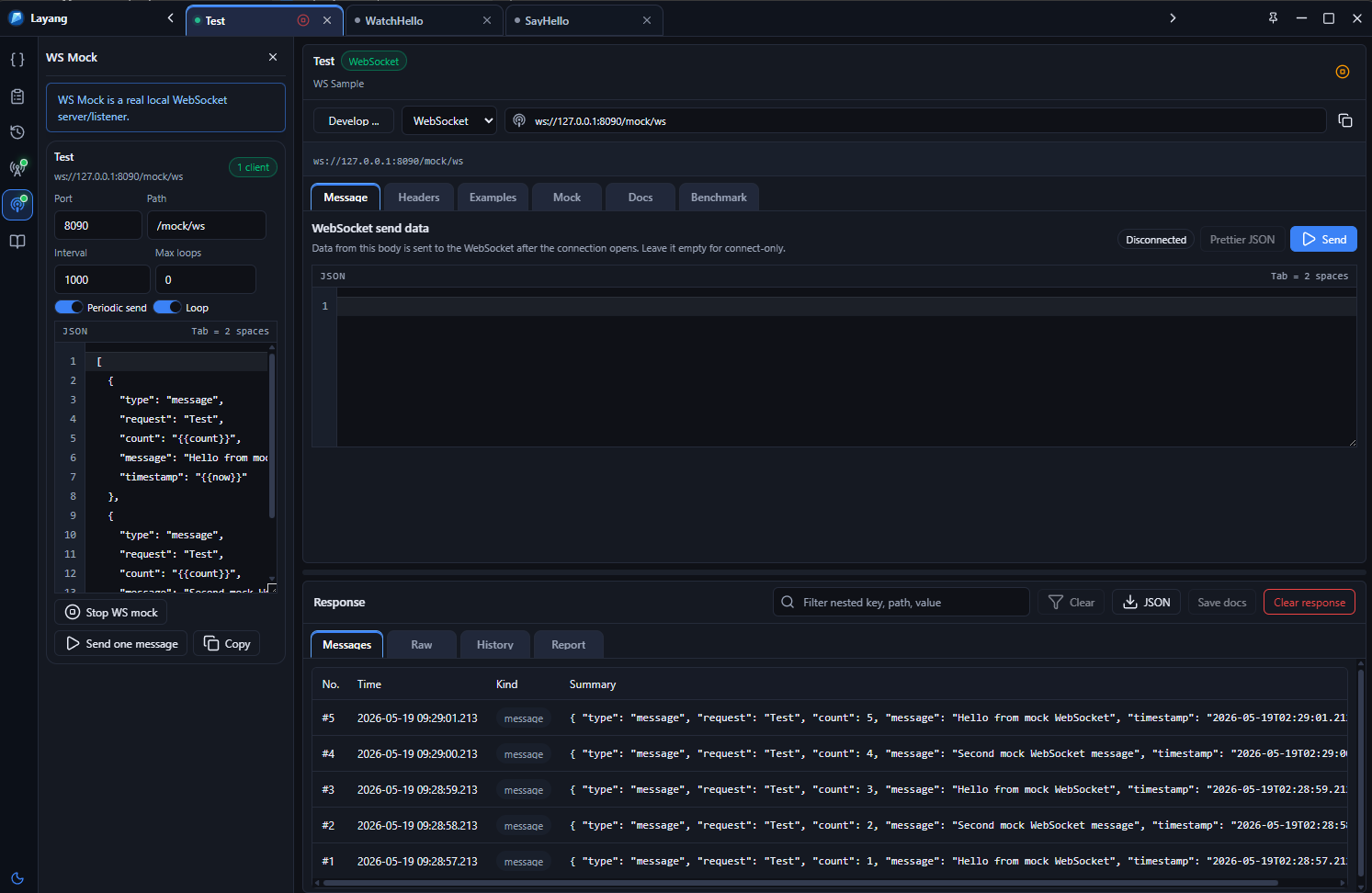
Mock scenarios live with the workspace. Start them from the app, edit saved scenarios, and keep streaming behavior close to the request definitions that use it.
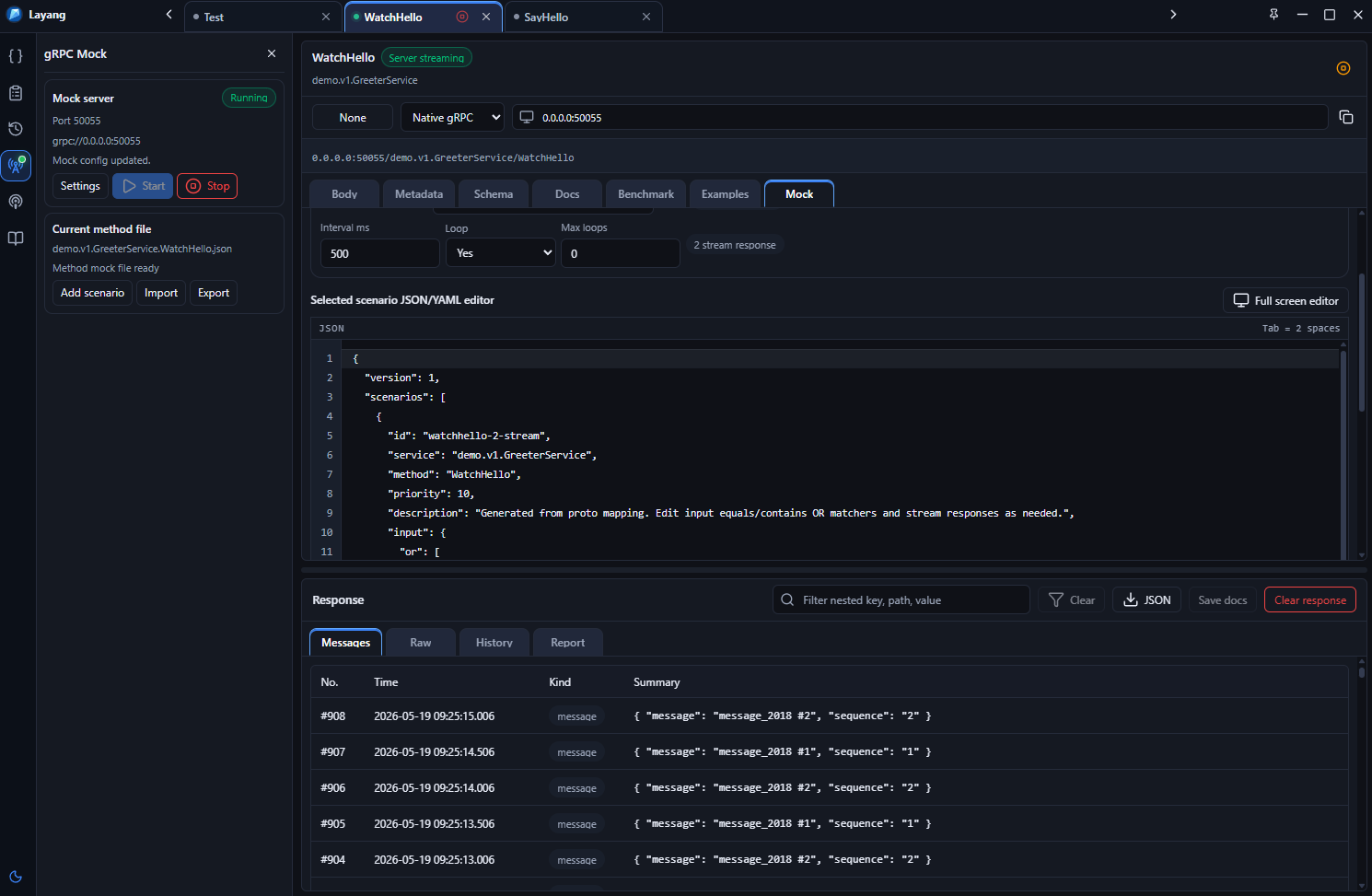
Keep multiple saved responses for the same RPC method and switch between scenarios when needed.
Configure response sequences, intervals, loops, and maximum loop counts for server-streaming methods.
Keep a stream open and send saved responses manually without closing the client connection.
gRPC, REST, and WebSocket mock scenarios stay with the workspace and can be reviewed in Git.
Web Access provides a gRPC-Web endpoint backed by the local Native gRPC Mock runtime or another configured gRPC target.
Run gRPC-Web over HTTP or HTTPS. HTTPS uses HTTP/2 and can fall back to HTTP/1.1 when configured.
Browser
  -> gRPC-Web / HTTPS
  -> Web Access
  -> Native gRPC
Native gRPC and Web Access have separate status and Start/Stop controls.
Configure HTTPS certificates and trust internal CA certificates for local or lab environments.
Configure browser origins without changing the underlying gRPC service definition.
Route Web Access to the local mock runtime or another gRPC target.
Requests, Proto revisions, environments, mocks, and documentation are stored as workspace files. The desktop app and CLI read the same project.
layang.yml
collections/
protos/
environments/
mocks/
workspace-schemas/
docs/
.layang/
Build Markdown or HTML documentation from request metadata, Proto definitions, examples, mocks, and saved responses.
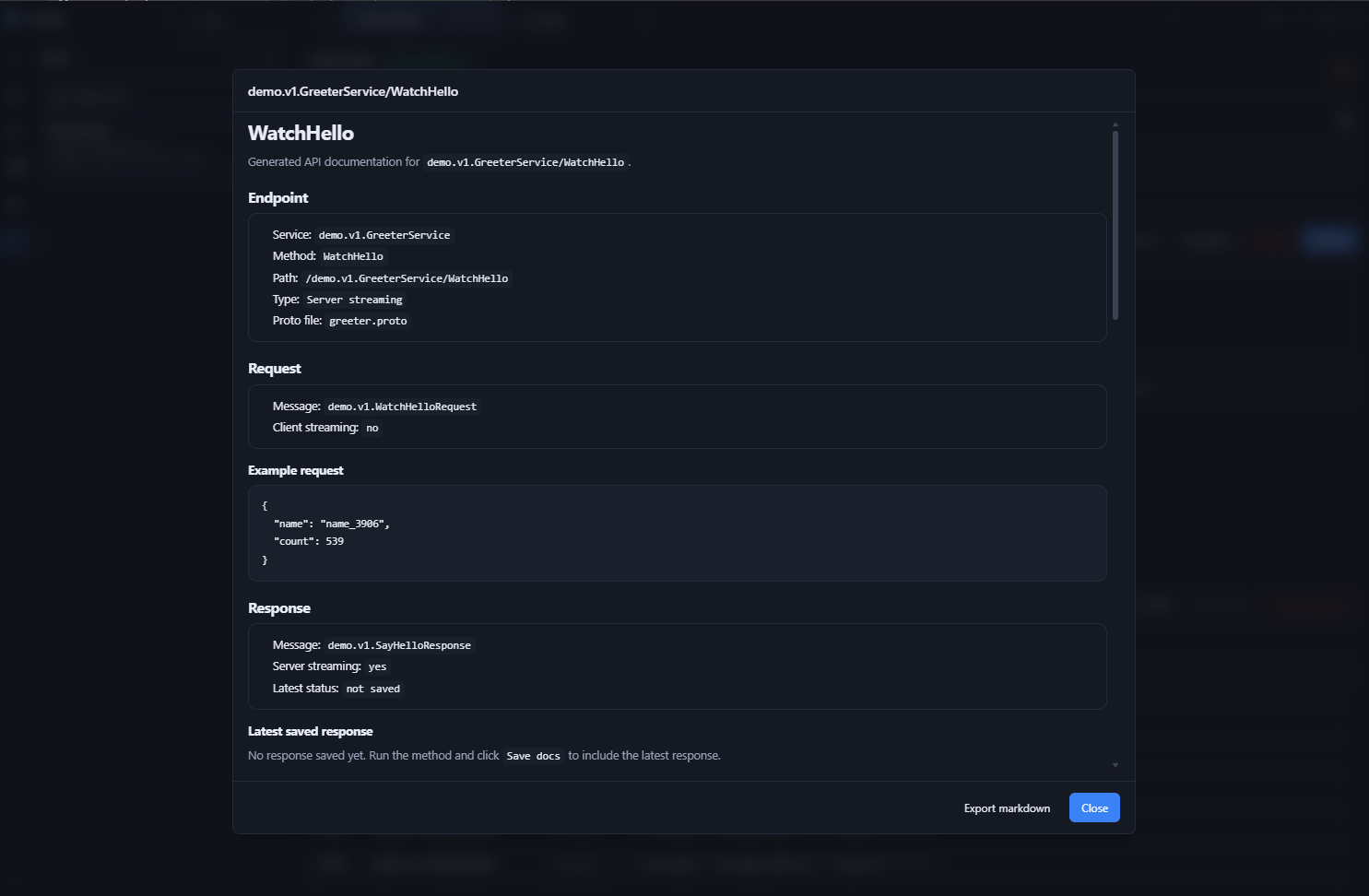
Run validation, saved requests, mocks, benchmarks, documentation, and CI checks without exporting the project to another format.
layang validate ./workspace --json

layang run ./workspace \
  --request "Get Track" \
  --env dev \
  --reporter junit \
  --output reports/layang-junit.xml

layang mock:start ./workspace \
  --protocol all \
  --daemon

layang benchmark ./workspace \
  --request "Get Track" \
  --iterations 50

layang docs:build ./workspace --check

layang ui ./workspace
Desktop releases are available from GitHub. Standalone CLI packages are available for CLI-only workflows.